
Top AI Logo Generators for Mac Users in 2026
Finding the best AI logo generator for Mac isn’t just about attractive templates. Many tools look impressive at first but fall short when it comes to browser compatibility, file quality, or flexible export options. If you’re using a Mac in 2026, you need a logo maker that runs smoothly in Safari and Chrome while delivering high-quality logos you can use across websites, social media, business cards, and other branding materials.
To help you choose the right platform, we’ve rounded up the best Mac-friendly AI logo generators in 2026. Each tool on this list offers reliable performance on macOS, an intuitive design experience, and export formats that make it easy to create professional, scalable logos for real-world use.
1.BrandCrowd – Create Professional AI Logos in Minutes
If you’re looking for a quick and reliable way to create a professional logo on your Mac, BrandCrowd is one of the best AI logo generators available. The platform is designed for speed while maintaining clean, well-balanced logo layouts. Whether you’re using Safari or Chrome on macOS, you can generate dozens of logo ideas within seconds by simply entering your business or brand name.
Unlike many AI logo makers that produce random icons or unfinished concepts, BrandCrowd generates complete logo designs with balanced typography, spacing, and professional layouts. This makes it easy to compare multiple options, save your favorites, and customize only the designs that best match your brand.
Key Features
- Over 236,000 professionally designed logo templates
- AI-powered logo generator and traditional logo maker
- Easy drag-and-drop editor with layout protection
- Download logos in SVG, EPS, PDF, PNG, and JPG formats
- Flexible licensing options for personal and commercial use
Logo Design Quality
BrandCrowd delivers logos that look polished across different platforms and sizes. Whether you’re using your logo on a website, social media profile, business card, or printed marketing materials, the designs remain sharp and readable. Vector file exports also ensure your logo can be scaled without losing quality.
Customization Experience
Editing your logo is simple, even if you have no design experience. You can change colors, fonts, icons, and layouts without worrying about breaking the overall design. The editor automatically maintains proper spacing and alignment, making customization fast and stress-free.
Why We Recommend BrandCrowd
BrandCrowd is an excellent choice for Mac users who value speed, simplicity, and professional results. Its AI-powered workflow helps you discover quality logo concepts quickly, while the built-in editing tools make customization easy. The downloadable vector files are ready for both digital and print branding projects.
Pricing
You can browse and preview logo designs for free before making a purchase. Paid plans start at $3 per month (billed annually) and include high-resolution downloads, vector files, commercial usage rights, and access to additional branding tools.
Final Verdict
BrandCrowd is one of the best AI logo makers for macOS users who want professional logo designs without spending hours editing. Its combination of speed, high-quality templates, user-friendly customization, and versatile export options makes it a great choice for startups, small businesses, freelancers, and content creators.
2. Looka AI Logo Maker – Design Professional Logos Online
Overview
Building a strong brand starts with a memorable logo, and Looka makes the process simple with the power of artificial intelligence. Whether you’re launching a startup, creating an online store, or starting a personal brand, Looka helps you design professional logos in just a few minutes—no graphic design experience required.
After entering your business name and selecting your preferred colors, fonts, and logo styles, Looka’s AI instantly generates multiple logo concepts tailored to your brand. You can customize every design until you’re happy with the final result. In addition to logo creation, Looka also provides a complete branding package, including business cards, social media graphics, and brand guidelines.
If you’re looking for an affordable and beginner-friendly logo maker, Looka is one of the best AI-powered solutions available today.
Key Features
- AI-powered logo generation in minutes
- Hundreds of customizable logo templates
- Professional fonts, icons, and color palettes
- Easy drag-and-drop logo editor
- High-resolution PNG logo downloads
- Vector formats (SVG, EPS, PDF) for premium plans
- Complete Brand Kit with marketing assets
- Business card and social media designs
- Full commercial usage rights
- No design experience required
Logo Design Quality
Looka consistently produces modern, clean, and visually appealing logos that work well for startups, freelancers, bloggers, and small businesses. Its AI engine creates designs based on your style preferences, giving you multiple professional options to choose from.
Although a custom-designed logo from a professional designer offers greater originality, Looka delivers impressive quality for its price. The logos are polished, scalable, and suitable for websites, social media profiles, mobile apps, packaging, and printed materials.
The built-in customization tools also make it easy to adjust fonts, colors, layouts, and icons, allowing you to create a logo that better reflects your brand identity.
Logo Design Quality: ★★★★★ (4.8/5)
Pricing
One of Looka’s biggest advantages is that you can create and preview unlimited logo designs for free. You only pay when you’re ready to download your finished logo or purchase a branding package.
Depending on your needs, Looka offers one-time logo purchases as well as Brand Kit subscriptions that include high-resolution logo files, vector formats, social media assets, business card designs, and complete brand guidelines.
This flexible pricing makes it a practical option for entrepreneurs and businesses of all sizes.
Final Verdict
Looka is one of the best AI logo generators for anyone who wants to create a professional brand identity without hiring a designer. Its intuitive interface, high-quality AI-generated logos, and comprehensive branding tools make it an excellent choice for startups, content creators, freelancers, and small businesses. If you need a modern logo quickly and want access to additional branding resources, Looka is well worth considering. While it may not replace the creativity of a custom graphic designer for large branding projects, it offers outstanding value for users looking for speed, simplicity, and professional results. Overall Rating: 4.8/5 ⭐
3. Design.com – Professional Logo Maker
Overview
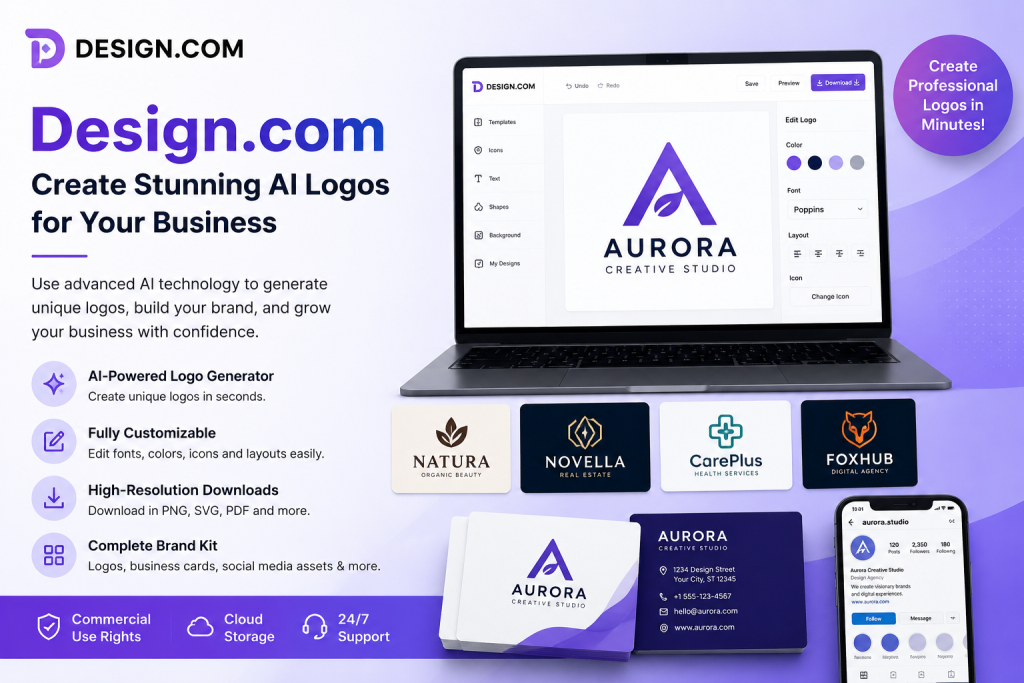
Creating a professional logo doesn’t have to be expensive or time-consuming. Design.com is an AI-powered logo maker that helps entrepreneurs, startups, freelancers, and small businesses design unique logos in just a few clicks. With its intuitive interface and intelligent design engine, you can generate customized logo ideas based on your business name, industry, and preferred style.
Beyond logo creation, Design.com also offers a complete branding solution with business cards, social media graphics, email signatures, and other marketing assets. Whether you’re starting a new business or refreshing your existing brand, Design.com provides everything you need to build a professional identity without hiring a designer.
If you’re looking for a fast, beginner-friendly, and feature-rich AI logo generator, Design.com is an excellent choice.
Key Features
- AI-powered logo generation
- Thousands of professionally designed logo templates
- Fully customizable fonts, colors, and icons
- Easy-to-use online logo editor
- High-resolution logo downloads
- Vector file support for premium users
- Complete Brand Kit with marketing assets
- Business card and social media templates
- Commercial usage rights
- No graphic design experience required
Logo Design Quality
Design.com delivers clean, modern, and professional logo designs suitable for businesses across a wide range of industries. Its AI technology creates multiple logo concepts based on your preferences, giving you plenty of creative options to explore.
The built-in editor allows you to fine-tune every aspect of your logo, including fonts, colors, layouts, and icons. While it may not completely replace a custom logo created by a professional designer, Design.com offers exceptional quality for startups, small businesses, bloggers, and content creators looking for an affordable branding solution.
The final logos are suitable for websites, social media profiles, business cards, product packaging, and other marketing materials.
Logo Design Quality: ★★★★★ (4.7/5)
Pricing
Design.com lets users create and preview logo designs before making a purchase. Once you’ve found the perfect design, you can choose from different pricing options depending on the file formats and branding tools you need.
Premium plans typically include high-resolution logo files, scalable vector formats, commercial usage rights, and access to a complete Brand Kit with marketing assets. This flexible pricing makes Design.com a practical choice for both individuals and growing businesses.
Final Verdict
Design.com is one of the best AI logo generators for businesses that want professional branding without the high cost of hiring a designer. Its user-friendly interface, extensive template library, and powerful customization tools make it easy to create high-quality logos in minutes.
Whether you’re launching a startup, creating an online store, or building a personal brand, Design.com offers an efficient and affordable way to design a professional logo and complete branding materials. It’s a reliable platform for anyone looking to establish a strong visual identity with minimal effort.
Overall Rating: 4.7/5 ⭐
4. Canva Ai – Canva is an AI-powered graphic design platform.
Overview
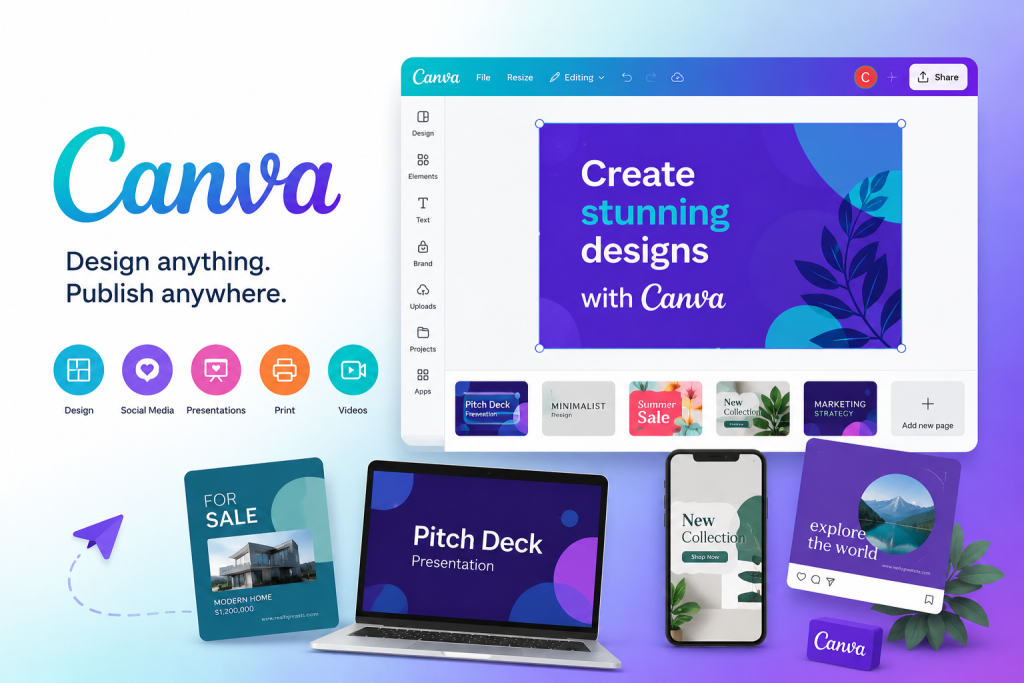
Canva is one of the world’s most popular graphic design platforms, helping millions of users create professional-quality designs without advanced design skills. Whether you’re designing social media posts, presentations, logos, flyers, videos, or marketing materials, Canva offers an intuitive drag-and-drop editor that makes the entire process simple and efficient.
Powered by AI and supported by thousands of professionally designed templates, Canva enables individuals, businesses, educators, and content creators to produce eye-catching visuals in just a few minutes. With cloud-based access and cross-platform compatibility, you can design anytime, anywhere.
If you’re looking for an all-in-one graphic design solution, Canva is one of the best choices available.
Key Features
- AI-powered design tools
- Drag-and-drop editor
- Thousands of customizable templates
- Logo, presentation, and social media design
- AI Magic Studio features
- Built-in photo and video editing
- Team collaboration tools
- Cloud storage and automatic saving
- Extensive library of fonts, icons, and stock media
- Available on desktop, web, and mobile devices
Design Quality
Canva consistently delivers high-quality, professional-looking designs suitable for businesses, students, marketers, and content creators. Its extensive collection of templates and AI-powered editing tools makes it easy to create polished graphics without hiring a professional designer.
Whether you’re creating Instagram posts, YouTube thumbnails, business presentations, or marketing materials, Canva provides excellent flexibility and customization options. The platform continues to introduce new AI features that simplify content creation while maintaining impressive design quality.
Design Quality: ★★★★★ (4.9/5)
Pricing
Canva offers a generous free plan that includes thousands of templates, design elements, and basic editing tools. Users who need premium templates, advanced AI features, additional cloud storage, and collaboration tools can upgrade to Canva Pro or Canva Teams.
The flexible pricing makes Canva suitable for individuals, freelancers, small businesses, and large organizations looking for a complete graphic design solution.
Final Verdict
Canva has earned its reputation as one of the best online graphic design platforms thanks to its ease of use, powerful AI features, and extensive template library. Whether you’re a beginner creating your first logo or a professional designing marketing campaigns, Canva provides everything you need to create stunning visuals quickly and efficiently.
With its intuitive interface, cloud-based workflow, and continuously expanding AI capabilities, Canva remains one of the top graphic design tools for personal and professional use.
Overall Rating: 4.9/5 ⭐
5. Adobe Express – Create Professional Graphics Easily
Overview
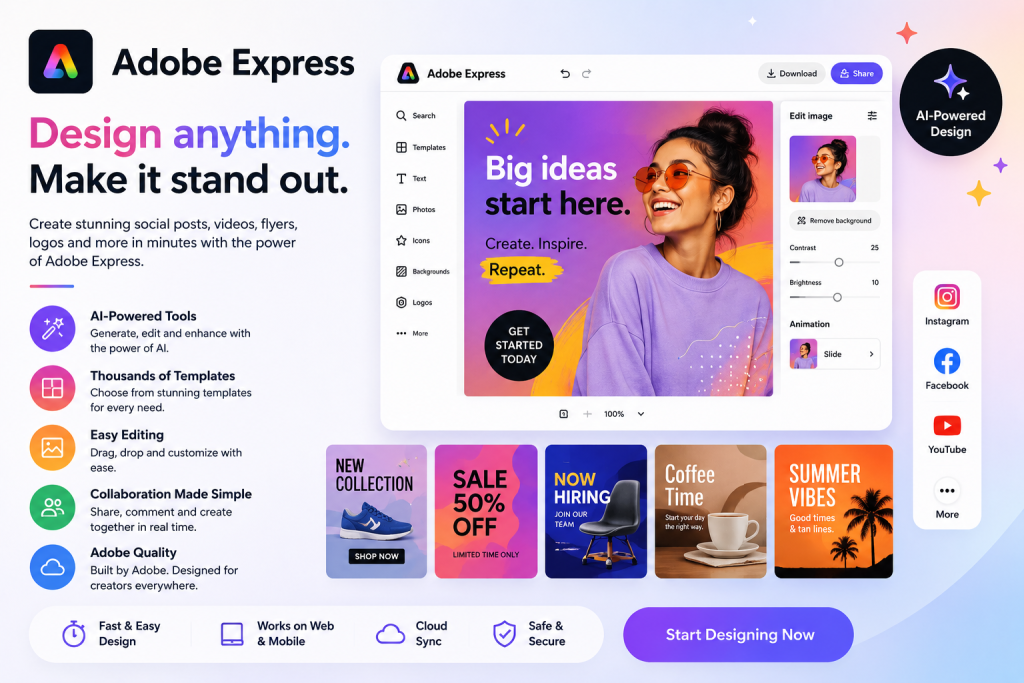
Adobe Express is a powerful AI-powered graphic design platform developed by Adobe, making it easy for anyone to create professional-quality content without advanced design skills. Whether you’re designing social media posts, logos, flyers, presentations, videos, or marketing materials, Adobe Express provides everything you need in one intuitive workspace.
With thousands of customizable templates, AI-powered editing tools, and seamless integration with Adobe Creative Cloud, Adobe Express helps individuals, businesses, educators, and content creators produce eye-catching designs quickly and efficiently. Its beginner-friendly interface and cloud-based workflow make it an excellent choice for both personal and professional projects.
If you’re looking for a fast, reliable, and feature-rich design tool, Adobe Express is one of the best options available.
Key Features
- AI-powered design and editing tools
- Thousands of professionally designed templates
- Drag-and-drop design editor
- AI image generation and text effects
- Background removal with one click
- Photo and video editing tools
- Social media content creator
- Brand Kit for consistent branding
- Cloud storage and cross-device syncing
- Integration with Adobe Creative Cloud
Design Quality
Adobe Express delivers high-quality, professional-looking designs suitable for businesses, marketers, students, and content creators. The platform combines Adobe’s trusted creative technology with AI-powered features, allowing users to create stunning graphics in just a few clicks.
From social media posts and presentations to promotional banners and logos, Adobe Express offers excellent customization options and premium design assets. Its AI tools help simplify complex editing tasks, making professional design accessible even for beginners.
Design Quality: ★★★★★ (4.9/5)
Pricing
Adobe Express offers a free plan that includes essential design tools, templates, and basic editing features. Users who need premium templates, advanced AI capabilities, additional cloud storage, and Brand Kit features can upgrade to Adobe Express Premium.
The flexible pricing makes Adobe Express suitable for individuals, freelancers, small businesses, and professional content creators looking for a complete design solution.
Final Verdict
Adobe Express is one of the best AI-powered graphic design platforms available today. Its clean interface, powerful editing tools, and extensive template library make it easy to create professional-quality content in minutes. Whether you’re designing social media graphics, marketing materials, presentations, or logos, Adobe Express provides the speed, flexibility, and creative features needed to bring your ideas to life.
If you want an all-in-one design platform backed by Adobe’s trusted technology, Adobe Express is an excellent investment for beginners and professionals alike.
Overall Rating: 4.9/5 ⭐